

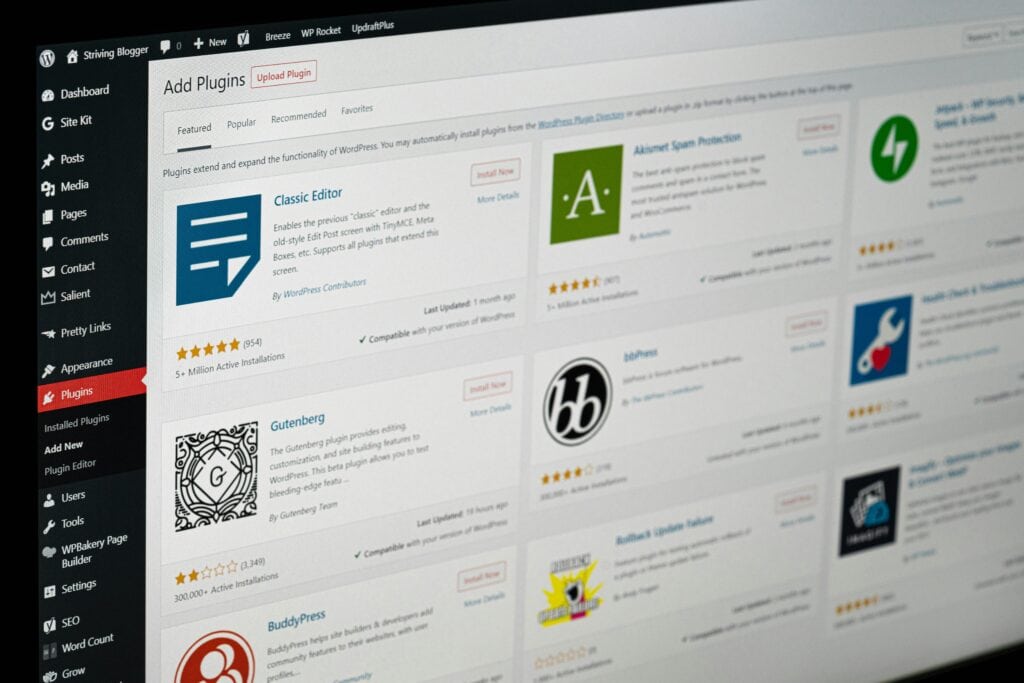
Professional WordPress development relies on a clear architectural principle: functionality belongs in plugins, while presentation belongs in themes. The distinction sounds simple, but it is one of the most commonly violated principles in WordPress development. For developers, this distinction affects maintainability, portability, and long-term scalability. For business owners evaluating WordPress agencies, it serves as a surprisingly effective indicator of development maturity. The teams that understand where functionality belongs tend to build websites that survive redesigns, upgrades, and business growth far more successfully.
Understanding the Difference Between Themes, Plugins, and MU-Plugins
Before discussing architecture, it helps to establish clear definitions.
Themes
Themes are responsible for presentation. A theme controls how content is displayed, including:
- Layouts
- Templates
- Styling
- Typography
- Component rendering
- Visual user experience
Themes determine what the site looks like. A redesign should be able to replace a theme without fundamentally changing the site’s functionality.
Plugins
Plugins are responsible for functionality. They add capabilities such as:
- Custom post types
- Integrations
- Business logic
- E-commerce features
- Search enhancements
- Form processing
- API connections
Plugins determine what the site does.
MU-Plugins
MU stands for “Must Use.” Unlike standard plugins, MU-plugins cannot be disabled through the WordPress admin interface. They load automatically and are typically reserved for functionality that should never be accidentally turned off, like security controls or platform integrations. MU-plugins are particularly valuable in managed environments where operational consistency is important.
The Core Principle: Functionality in Plugins, Presentation in Themes
The simplest way to evaluate where code belongs is to imagine replacing the theme tomorrow. Would the functionality still be needed? If the answer is yes, it probably belongs in a plugin.
For example, a custom “Locations” content type should continue to exist regardless of the site’s visual design because it is a core component of a multi-location business. By contrast, template layouts, component styling, page structures, and visual interactions belong within the theme because they define how content is displayed rather than how the system behaves.
This separation creates cleaner architecture and dramatically reduces future migration costs.
Common Plugin vs. Themes Mistakes
Common Violation #1: Custom Post Types in functions.php
A developer creates a custom post type for locations, case studies, or team members, and adds the code directly to the theme’s functions.php file. This works great until the business decides to redesign the website. The new theme replaces the old one, and suddenly, entire content types disappear. The data often still exists in the database, but the registration logic has been removed because it lived inside the theme. This is why custom post types belong in plugins because they are essential to functionality.
Common Violation #2: Business Logic Embedded in Templates
Another common problem occurs when templates contain application logic, like eligibility rules, custom workflows, or pricing calculations. These systems often begin as quick solutions but become increasingly difficult to maintain as requirements evolve. When business rules are buried inside templates, redesign projects become risky because visual changes can inadvertently affect application behavior. Business logic should be isolated within plugins or application services where it can be tested, maintained, and reused independently of presentation.
Common Violation #3: Third-Party Integrations Inside Themes
Many WordPress sites connect to external CRMs, marketing platforms, or inventory systems. Unfortunately, it is common to see these integrations implemented directly within themes. Similar to the other cases, when a redesign occurs, the business will face trouble. Integrations represent business functionality and should live in plugins where they remain independent of design decisions.
When Should You Write a Custom Plugin?
Not every feature requires a custom plugin. WordPress already has a mature ecosystem of high-quality plugins that solve common business problems. Custom plugins become appropriate when:
The Functionality Is Unique
If the feature reflects a specific business process or workflow, a custom plugin often makes sense.
Examples include:
- Custom quoting systems
- Specialized approval workflows
- Industry-specific calculators
- Proprietary integrations
Existing Plugins Create More Problems Than They Solve
Sometimes multiple plugins are required to approximate a desired feature. In these situations, a focused custom plugin may produce cleaner architecture and lower maintenance costs.
The Feature Needs Long-Term Stability
Core business functionality should not depend entirely on third-party plugin roadmaps. A custom plugin provides greater control over future development and maintenance.
Architecture Patterns for Non-Trivial Plugins
As plugin complexity grows, architecture becomes increasingly important. One of the most common mistakes in custom plugin development is placing all functionality inside a single large file. This approach works initially but becomes difficult to maintain over time. A better pattern is feature-oriented architecture. This structure separates responsibilities and makes the plugin easier to extend.
Many modern WordPress teams adopt object-oriented architecture and modular design patterns. Larger projects may also incorporate techniques such as dependency injection and service containers to improve maintainability.
When Should You Use an MU-Plugin?
MU-plugins occupy an interesting middle ground. They are most useful when functionality must remain active regardless of administrative actions, like critical business processes, security enforcement, or hosting platform integrations. If disabling the functionality would create significant operational risk, an MU plugin may be appropriate.
However, the inability to disable them easily can make development and troubleshooting more challenging, so teams must be intentional about how they are used
Distribution and Update Considerations
One advantage of custom plugins is portability. A properly designed plugin can move between environments, survive redesigns, and remain functional across multiple projects.
However, this portability introduces responsibility and maintenance needs. Organizations should think about how custom plugins will be maintained before they are deployed. A custom plugin without a maintenance plan can become just as problematic as poorly structured theme code.
Build Functionality That Survives Redesigns
The most successful WordPress implementations recognize that websites evolve. Brands change. Themes change. Design systems change. Business requirements change. Functionality should not disappear every time those changes occur.
By keeping presentation inside themes and functionality inside plugins, organizations create systems that are easier to maintain, easier to extend, and significantly easier to redesign.
Partner with Effect!
At Effect Web Agency, we build WordPress platforms with long-term maintainability in mind. Our goal is to help businesses develop custom plugins, implement integrations, and design WordPress architectures that work for them. Contact Effect Web Agency to discuss custom WordPress development built for long-term growth.